
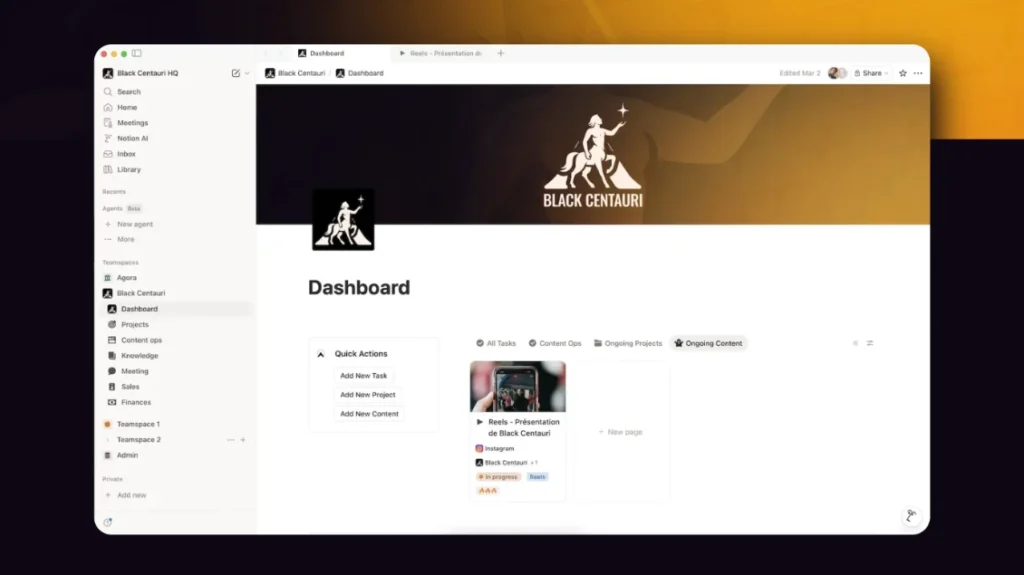

In many small businesses and SMEs, project management still looks like a puzzle that is hard to put together. Tasks are spread across Trello or a whiteboard, documents are stored in Google Drive or Word files, briefs are scattered across emails, procedures are buried in hard-to-access folders, and decisions get lost in endless discussion threads.
As a result, leaders lack visibility, teams sometimes step on each other’s toes, and the overall view of project progress remains unclear.
This is where Notion is gradually establishing itself as a structuring ally for many small businesses. By offering a truly unified workspace, it makes it possible to centralize information, clarify processes and make collaboration smoother, without adding complexity to teams’ day-to-day work.
💡 To get straight to the point, here are the key takeaways.
- Notion centralizes tasks, documents, processes and communication into a single, coherent workspace.
- It replaces multiple tools with a unified system, gradually built around the company’s real needs.
- The integration of Notion AI automates time-consuming tasks and improves the quality of content and data.
- Its progressive pricing makes it accessible to small businesses and SMEs, with the ability to scale without heavy upfront investment.
- The tool is less suited for highly complex projects and requires structure to avoid becoming disorganized.
- Companies that succeed with Notion start with a limited scope and build their workspace progressively.
Why small businesses are switching to Notion
Notion presents itself as an “all-in-one workspace”: a single place where you can take notes, manage tasks, structure databases, document processes and build real dashboards, all within an accessible interface. Behind this promise lies a very concrete benefit: reducing the time spent searching for information and limiting reliance on a few people “who know where everything is.”
Where a small business previously had to combine multiple tools to cover these needs, Notion allows everything to be brought together into one coherent environment. It is no longer a collection of separate applications, but a system that is gradually built based on your activity and priorities.
Here are some concrete use cases adopted by teams:
- Project management: tracking tasks and deadlines with Kanban, timeline or calendar views
- Knowledge base (Wiki): internal documentation, onboarding of new hires, business procedures
- Simplified CRM: tracking the sales pipeline and client interactions directly in Notion
- Meeting notes: automatic transcription and AI-generated summaries after each meeting
- Marketing planning: managing content, campaigns and editorial calendars
Thanks to real-time editing, comments and mentions, the entire team contributes in one place, with the simplicity of a shared document but the structure of a real information system. For hybrid or distributed teams, this helps move away from siloed workflows and effectively replace scattered exchanges across emails and duplicated documents.
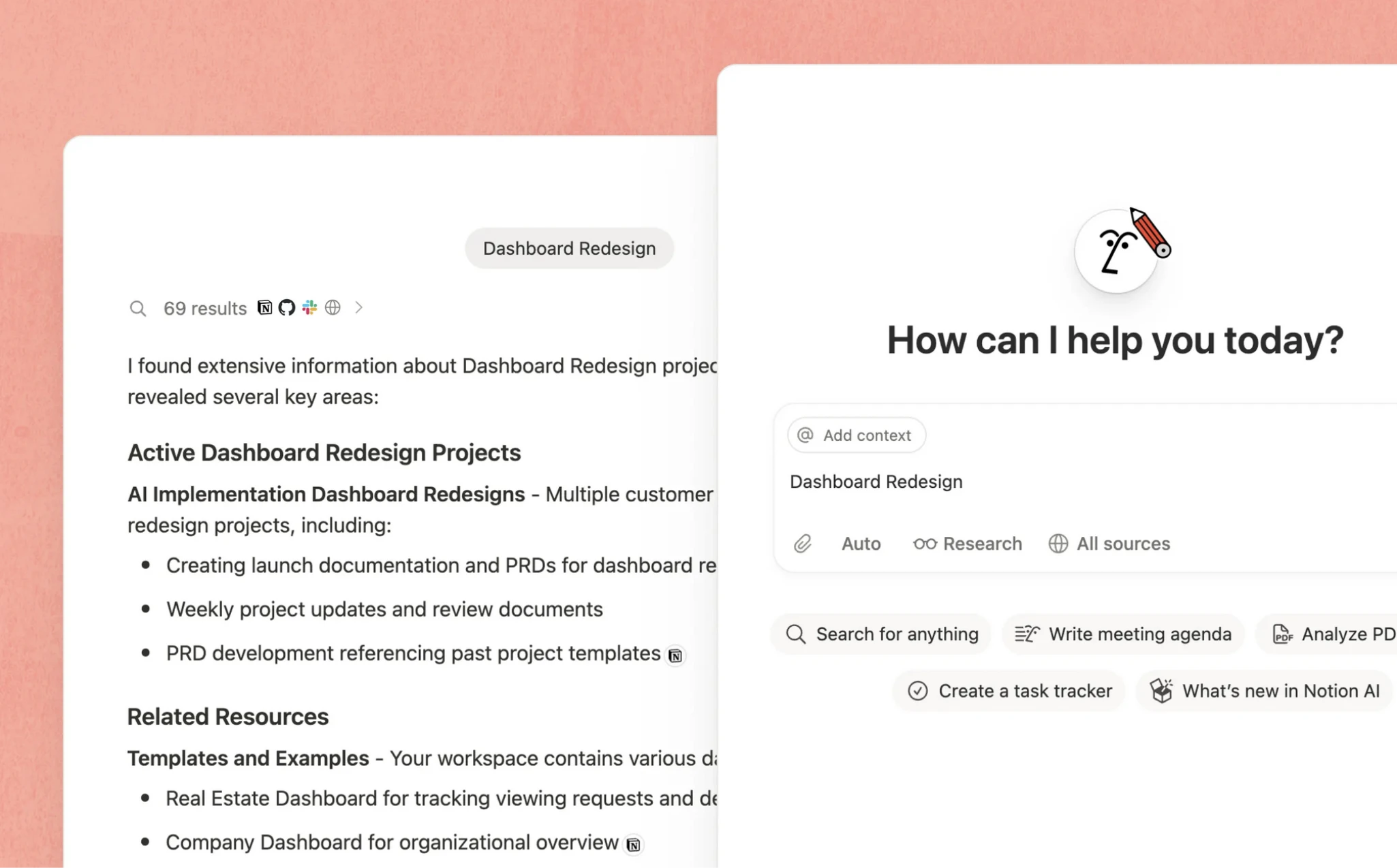
Notion and AI: a competitive advantage for small teams
One of the major turning points for the platform in 2025 was the native integration of Notion AI, an artificial intelligence directly embedded into the workspace. Unlike generic AI tools, it relies on your company’s actual context: your projects, your databases, your content and the way you structure information.
This changes the way people work on a daily basis. AI no longer just produces content, it becomes part of your processes and helps streamline tasks that are often repetitive or time-consuming.
In practice, Notion AI allows you to:
- Automatically fill in database properties such as summaries, keywords or categories
- Generate and improve content directly within pages, whether briefs, emails or reports
- Automatically transcribe meetings and extract key decisions and action items
- Write complex formulas to automate certain calculations within your databases
For an SME without dedicated automation resources, these features represent a very concrete lever. They help save time on low-value tasks while improving the quality and consistency of the information produced on a daily basis.
Affordable pricing, even for the smallest structures
Cost is often a point of friction when adopting a new tool. This is especially true for small businesses and SMEs, where every investment must be quickly justified. On this point, Notion offers a clear and progressive pricing structure, allowing teams to start simply and scale based on their actual needs.
| Plan | Price (annual billing) | Who is it for? |
|---|---|---|
| Free | €0 | Solo use or testing phase |
| Plus | ~€10/user/month | Freelancers, consultants, small teams |
| Business | ~€20/user/month | Structured teams and advanced use, including AI |
| Enterprise | Custom pricing | Organizations with specific security and governance needs |
This approach helps limit risk at the beginning while providing a clear path for growth. In other words, you do not overinvest upfront, but you are not blocked as your needs evolve.
Limitations to consider before getting started
Notion is not a universal tool. Like any solution, it fits some needs very well, and others less so. Before getting started, a few points of attention should be clearly considered.
- Learning curve: the flexibility of customization is one of Notion’s strengths, but it can also be destabilizing. Without structure or methodology, the workspace can quickly become difficult to use: duplicated pages, inconsistent naming conventions, and multiplying databases. In practice, it is often useful to have someone act as an “architect” to structure the whole system.
- Limited advanced features: for very complex projects requiring detailed resource management or advanced planning tools, specialized solutions like Jira remain more suitable.
- Performance on large volumes: when databases become very large, slowdowns may occur and impact user experience.
- Data sovereignty: as a US-based solution, Notion requires particular attention to compliance issues, especially GDPR. Improvements are underway to offer more flexibility regarding data location, but this should be checked based on your context.
The real question to ask is simple: are you looking for a specialized tool for a specific function, or a backbone to structure all your information?
In the second case, Notion provides a particularly relevant answer, provided it is well designed from the start.
In practice, many companies adopt a hybrid approach. Notion becomes the central hub of information, connected to other tools through automations with Zapier or Make, to cover more specific needs without adding complexity.

✨ Notion is not just a tool. It’s a lever to structure your organization.
To go further, we help you turn Notion into a real work system, tailored to your business challenges.
What does Notion look like in a small business or SME?
To truly understand the value of Notion, the easiest way is to project yourself into real use cases, close to the daily reality of teams.
Take the example of a small B2B agency managing several clients simultaneously. In Notion, it structures a “Projects” database with, for each assignment, the status, the owner, key dates and objectives. Each project has its own dedicated page, centralizing the brief, meeting notes, files, useful links and action plan. A second “Tasks” database, linked to projects, allows actions to be automatically displayed, whether by client, collaborator or deadline. The team can switch between a Kanban view to track progress and a calendar view to anticipate workload, without ever leaving the tool.
In another context, an industrial SME uses Notion as a true internal wiki. Procedures, operating methods, quality checklists, customer response scripts and onboarding guides are gathered in a single knowledge base that is accessible and easily searchable. When a new employee joins, they no longer rely on a static shared folder or scattered documents, but on a “living manual” that is continuously updated. As a result, knowledge loss is reduced and teams quickly gain autonomy.
In both cases, the logic remains the same. Notion does not just organize information, it makes it usable on a daily basis, directly connected to operations.
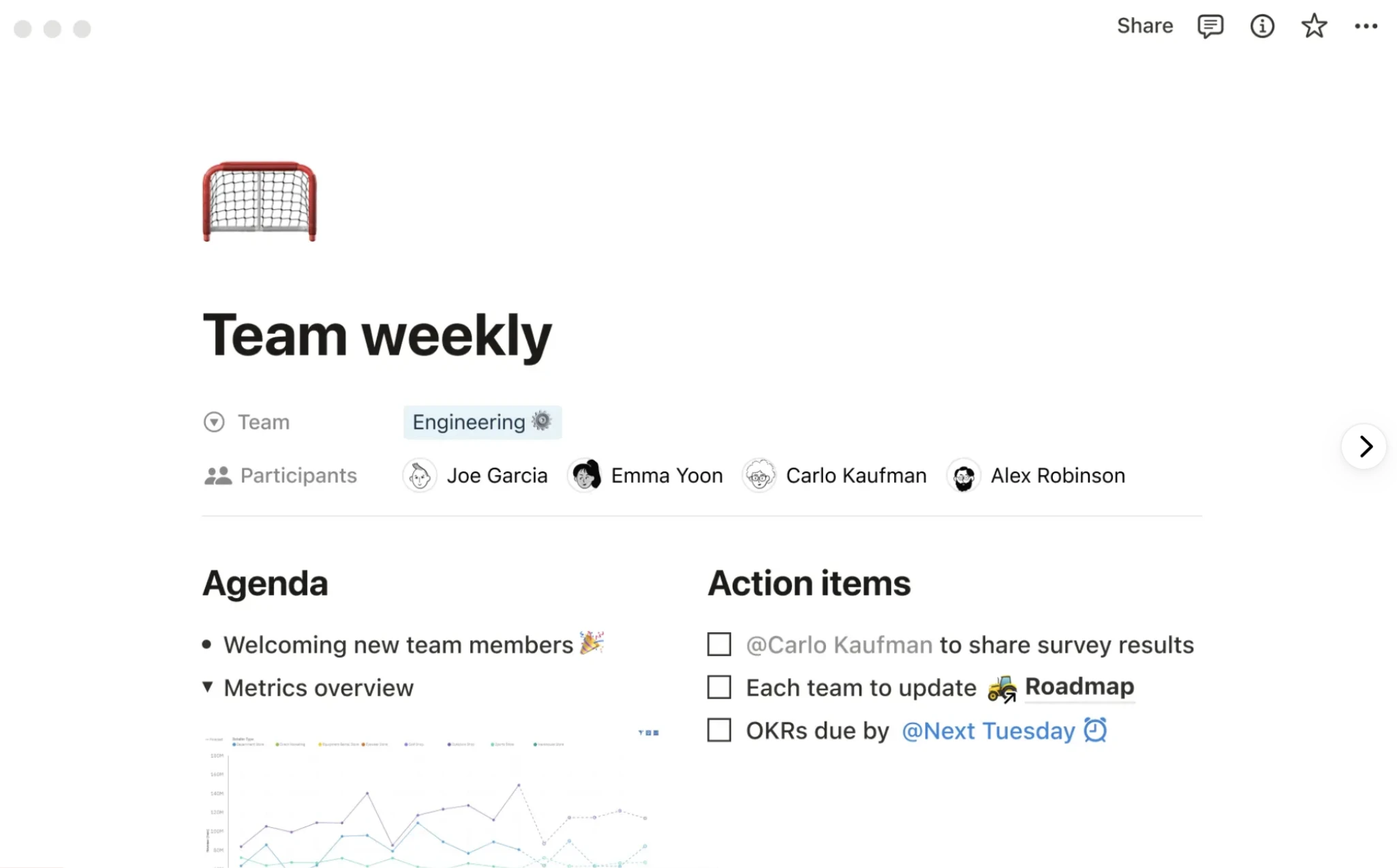
How to successfully transition to Notion without breaking everything
Successfully adopting Notion depends less on the tool itself than on how it is introduced into the organization. The structures that get the most value from it usually start by clarifying their priorities: better tracking client projects, structuring internal processes, or centralizing knowledge. This step avoids trying to transform everything at once, which can create confusion.
In practice, it is often more effective to start with a limited scope. One team, one type of project or one specific use case is enough to test, adjust and validate an initial structure. Notion then becomes a practical testing ground, allowing teams to learn quickly without disrupting the entire organization.
Leveraging existing templates is also a simple way to accelerate. The Notion ecosystem offers many templates designed for project management or small businesses. They provide a solid foundation that can then be gradually adapted to real-world needs. This approach is often more effective than starting from scratch.
Finally, appointing someone responsible for the workspace helps maintain consistency over time. This role is not technical. It mainly involves structuring information, defining simple rules and ensuring they are followed. Without this, Notion can quickly turn into another disorganized space.
In some cases, getting external support can make a real difference. Notion experts help structure the workspace, align the tool with business needs and train teams. The goal is not to add complexity, but on the contrary to make the tool immediately useful and widely adopted.
Conclusion
The rise of Notion is no coincidence. In a context where teams are trying to do more with less, a tool that is modular, accessible and enhanced by AI meets a very real need: structuring information to better manage operations.
Its adoption now goes far beyond the startup ecosystem. Agencies, consulting firms, sales teams and operational departments in SMEs are making Notion a central hub to organize their work and streamline collaboration.
At its core, Notion does not just replace tools. It redefines how information flows within the company and becomes truly useful on a daily basis.
Are you considering structuring your organization with Notion and want to start on solid foundations? Let’s talk. We support small businesses and SMEs in designing clear, consistent workspaces that are truly aligned with their operational needs.
📌 Let’s see what’s truly relevant for you
We work with you to identify priority use cases, structure your workspace and support your teams so it becomes a tool that is truly useful on a daily basis.